Best Chessbook alternatives for opening training
Compare Chessbook alternatives for curated opening courses, custom repertoires, game research, spaced review, and practical drills.
By Chessmate Team
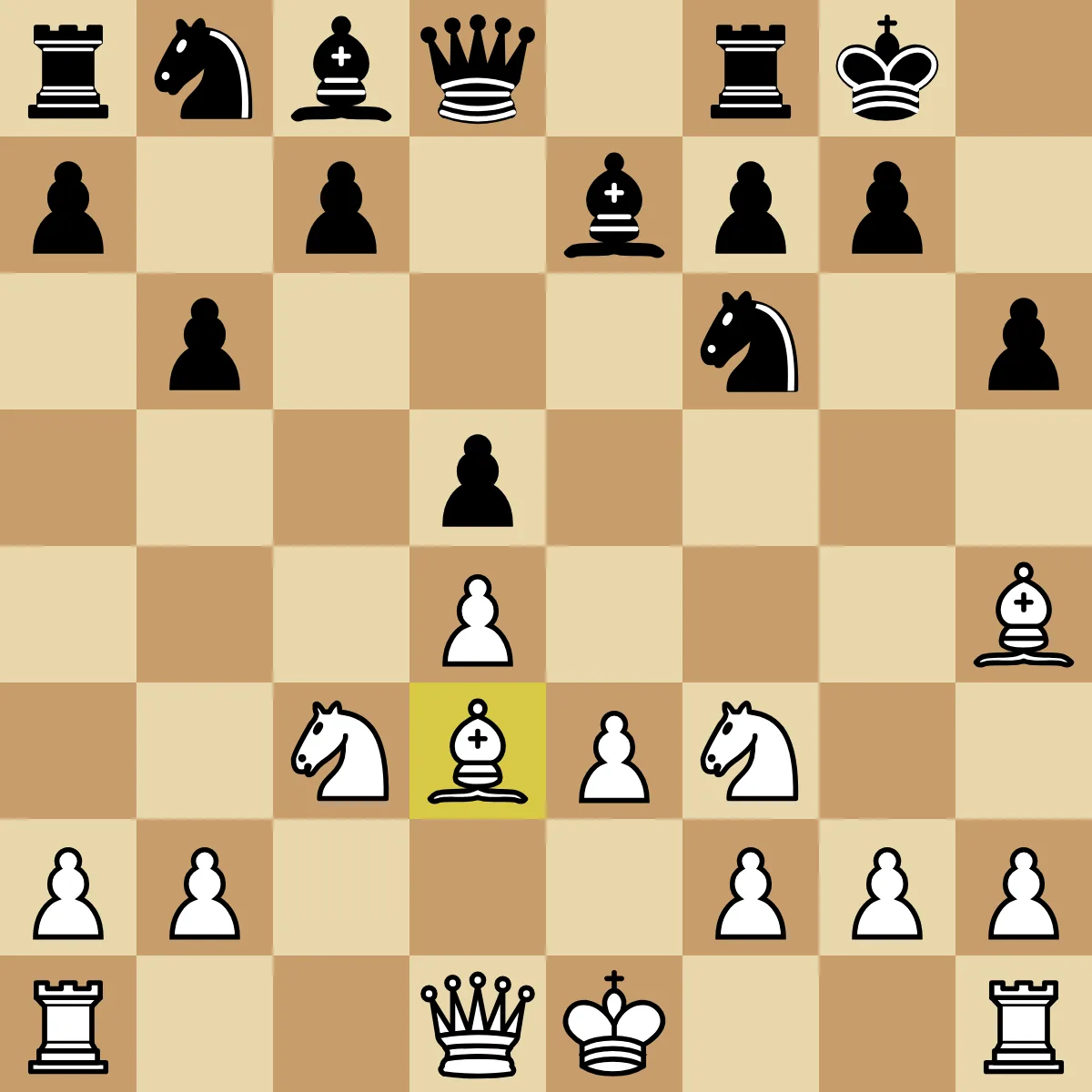
A repertoire tool is useful only when its lines become moves you can recall.
Chessbook gives the player control. You choose repertoire moves, check whether common replies are covered, handle transpositions, review mistakes from online games, and train the positions with spaced repetition.
Building the tree can consume the time you meant to spend practicing. If a Chessbook session ends with more repertoire decisions and no recalled moves, a prepared course may be a better next step. If you like the tree but need more analysis, a more detailed repertoire system may fit.
Disclosure: we make Chessmate. Chessmate is included as the guided alternative, not as a direct replacement for Chessbook's custom repertoire builder.
Start with the job you want to keep
Chessbook currently combines several jobs:
- choose a personal repertoire
- measure coverage against likely opponent moves
- inspect master and player-level statistics
- find transpositions and opening mistakes
- train selected moves over time
The alternatives cover different parts of that mix. Decide which job matters before comparing their feature lists.
| Alternative | Choose it when | What you give up from Chessbook |
|---|---|---|
| Chessmate | You want prepared courses and explanations | Personal repertoire building and PGN import |
| ChessTempo | You want a deeper custom repertoire workstation | Chessbook's simpler interface |
| Chessable | You want author-led courses with trainable material | A repertoire built mainly from your own independent choices |
| Lichess | You want free exploration and studies | Integrated gap detection and spaced review |
| Chessreps | You want prepared courses and repeated practical drills | A traditional personal repertoire tree |
Chessmate removes the blank-tree problem
Chessmate starts with a curated course rather than an empty repertoire. The app keeps the move and a short reason beside the board in Study, returns the position in Review, and asks for the course move without teaching support in Challenge.
A prepared starting point helps when you do not yet have a personal repertoire worth maintaining. You can browse the opening catalog, choose a course for the correct side, and begin with a bounded set of lines.
Chessmate does not import PGN files, inspect your Chess.com or Lichess history, calculate repertoire coverage, or let you build arbitrary branches. It suits players who would rather accept a prepared course boundary and spend the session recalling moves.
Choose Chessmate if your Chessbook session usually stalls at "What should I add?" Keep Chessbook if the answer is already clear and the personal tree is the part you value.
ChessTempo adds more control to a custom repertoire
ChessTempo is the closest option here for a player who wants to keep building a personal repertoire. Its opening trainer supports PGN import, manual repertoire moves, explorer statistics, engine evaluations, comments, annotations, tree views, training settings, and repertoire statistics.
The feature set makes it suitable for players who want research and training in one detailed system. You can inspect candidate moves, connect explorer data, and adjust how the repertoire is reviewed.
ChessTempo exposes many choices because advanced repertoire management is the product. Pick it when Chessbook feels too light. A prepared course will fit better if Chessbook already feels like too much setup.
Chessable starts from an author's course
Chessable approaches repertoire building through course material. Its marketplace includes courses by many authors, written instruction, video on some courses, and MoveTrainer practice. The Repertoire feature can copy variations or chapters from courses you own into a personal course that you can edit.
Course-based repertoire building is useful when you want expert material before making your own choices. You can take a course as the base, then combine selected lines from other owned courses.
Chessable is not as independent as a blank repertoire builder. Your starting material comes from courses, and a large catalog still leaves you with decisions about author, depth, and price. It fits the player who wants a teacher's repertoire first and customization second.
Lichess covers free research and organization
Lichess provides an opening explorer, analysis board, studies, and player-game data through its official tools and API. You can investigate a position, save variations in a study, annotate chapters, and keep the material online without buying a course.
The free workflow is flexible but manual. A study can hold your repertoire, yet it does not reproduce Chessbook's integrated coverage score, gap finding, and dedicated opening review schedule.
Use Lichess when your main Chessbook job is research or storage. Add a separate recall tool only after the study contains a small repertoire you intend to play.
Chessreps replaces tree maintenance with course drills
Chessreps offers prepared and community courses, a course creator, spaced repetition, and several practice modes. Its course pages emphasize lines and repeated drills rather than the visual maintenance of one complete personal tree.
Prepared drills can be useful when you want more reps and fewer coverage decisions. Chessreps currently offers a seven-day trial followed by an annual plan, with access details on its official plans page.
Choose it when prepared course volume and game-like drilling matter more than controlling every branch. Chessbook remains better when the repertoire itself is your project.
When Chessbook is still the best fit
Chessbook remains a sensible choice if you know your openings and want one personal book. Its official App Store listing describes automatic gap finding, common-move filtering, transposition handling, online-game checks, master games, and spaced repetition. The listing currently allows free users to add 400 moves and reserves unlimited moves for Pro.
Stay with Chessbook when you want to:
- combine ideas from several sources into one personal repertoire
- focus coverage on moves players at your level choose
- find where your online games left the repertoire
- keep transpositions connected
- train the exact moves you selected
Together, those jobs are the reason to use a custom repertoire builder.
Change tools without losing the useful part
Before moving, write down the repertoire decisions that already work: your first move as White, your answer to 1.e4, your answer to 1.d4, and the first branch that keeps causing trouble.
Move only one opening first. Recreate or import your own legal move choices where the destination supports it, then test whether you can recall them from the board. Do not move hundreds of positions to discover that the new review session is no better.
If you switch to a prepared course, compare its chosen move with yours. Keep one answer per position. Two competing repertoire moves may both be playable, but they make recall practice ambiguous.
Our guide to practicing chess openings online explains how to keep the scope small. The opening trainer app comparison covers more custom and curated tools.
Sources checked
External product details were checked on August 2, 2026:
- Chessbook website
- Chessbook App Store listing
- ChessTempo user guide
- Chessable Repertoire announcement
- Lichess openings
- Lichess Opening Explorer API
- Chessreps courses
- Chessreps plans
Product limits and prices change. Recheck the official pages before publication.
Master openings.
Learn curated lines, recall the move from the board, and keep useful positions fresh with spaced review.