ChessBase Openings alternatives: keep the research or move the training?
Compare alternatives to the ChessBase Openings web app by research, saved repertoire, review, and account dependence.
By Chessmate Team
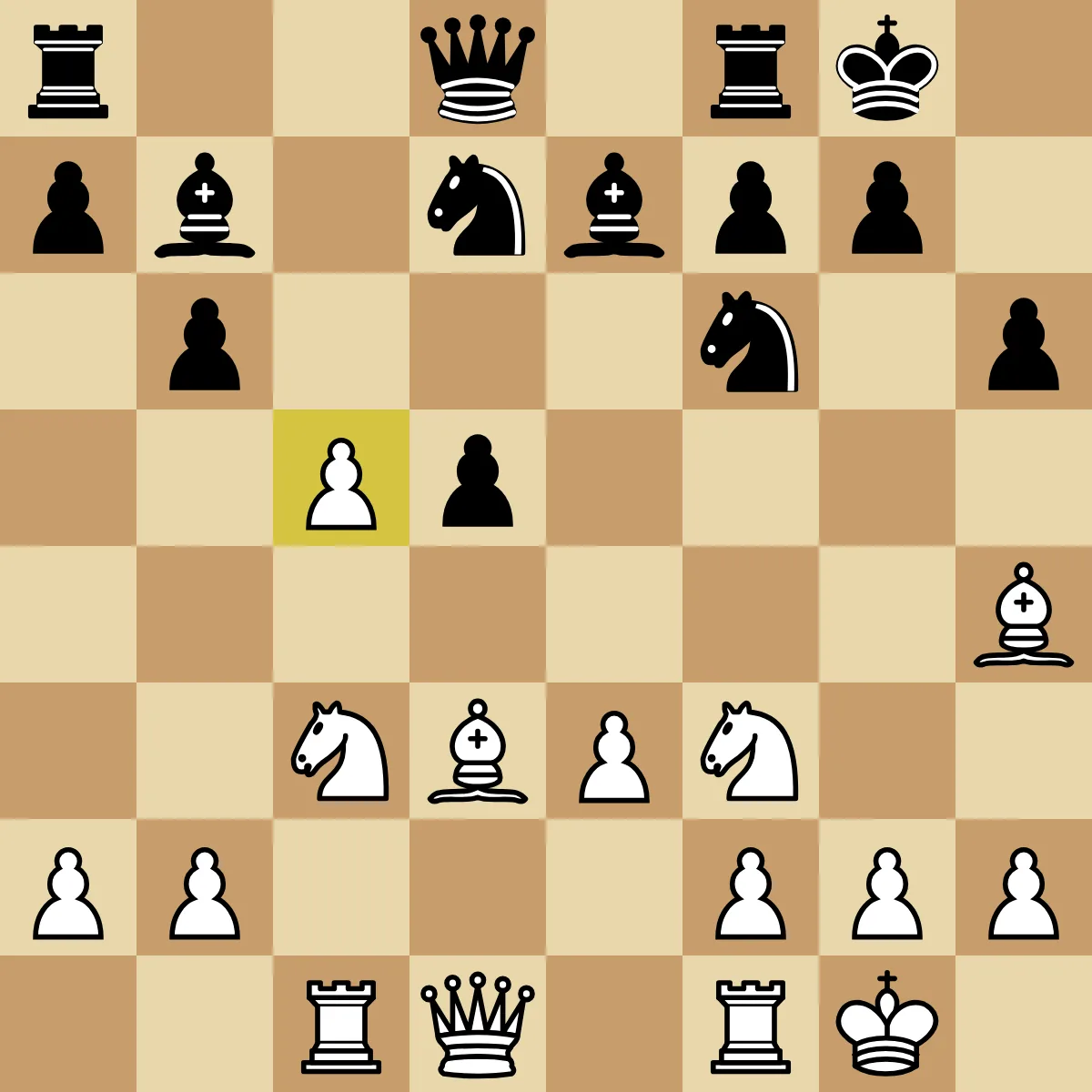
A theory source, repertoire editor, and recall trainer solve three different parts of opening preparation.
Start by identifying which ChessBase product you want to replace. This guide concerns the Openings web app. Replacing a variation trainer is a smaller decision than replacing a desktop game database or the rest of a ChessBase account.
The official Openings page describes LiveBook research, repertoire selection, and variation training. We checked that documentation on September 8, 2026. We have not tested a logged-in migration. Disclosure: we make Chessmate.
Divide one session into three jobs
Imagine that you are selecting a White move after 1.d4 d5. You investigate 2.c4, choose it for your repertoire, then want to recall it later. Those are three jobs with different outputs.
| Job | What you want to retain | What is not established by saving the move |
|---|---|---|
| Research | Source, date, and reason for the choice | A permanent copy of live statistics or account services |
| Repertoire editing | The selected move, side, notes, and replies | Transfer of every proprietary annotation |
| Training | A position and intended answer | Previous scores or future review dates |
A useful note for this example is: “After 1...d5, my White repertoire chooses 2.c4 to challenge the d5 pawn.” It records the choice without claiming that statistics prove it is the only good move. If you cannot write a reason, opening another trainer does not complete the research.
Choose a route by the work you want to keep
Keep the web app if its connected research and training already suit you. Check whether limiting the repertoire to one branch solves the problem before adding another account.
Consider ChessTempo when you want a personal repertoire with documented PGN import/export and training controls. Its manual is a starting point for checking your required tasks. It does not demonstrate compatibility with every ChessBase export.
Consider Chess Position Trainer when organizing a desktop repertoire is a priority. Its official feature page describes a position database and scheduler. Confirm the current edition and your Windows environment before moving files.
Consider a prepared Chessmate course if choosing the lines is the work you want help with. The catalog lets you inspect the opening and side. Accepting a course is a new material choice, not proof of migrating a ChessBase account.
Check the exit path before committing
Keep the original repertoire. In the version you use, identify whether your selected material can be exported and in what format. Then check one small branch in the destination: moves, notes, intended side, opponent replies, and the first training prompt. Record account-dependent features separately.
Use “confirmed”, “changed”, and “not tested” in your notes. Do not infer export support from an import button, or persistent storage from a guest demo. If access conditions matter, check the current subscription page for your account rather than relying on a generic comparison price.
Research can remain in one tool while recall happens in another. Our trainer versus explorer guide explains that division; the app comparison covers the broader product choices.
Master openings.
Learn curated lines, recall the move from the board, and keep useful positions fresh with spaced review.